FixtureFill.
Repeatable test data.
Less repetitive testing.
A browser extension that fills web forms with repeatable synthetic data for developers and QA engineers.
Install FixtureFill on a desktop computer using Chrome or Microsoft Edge.
 Install for Chrome
 Install for Microsoft Edge
Repeat the same test with the same seed, mode, form structure and generator version.
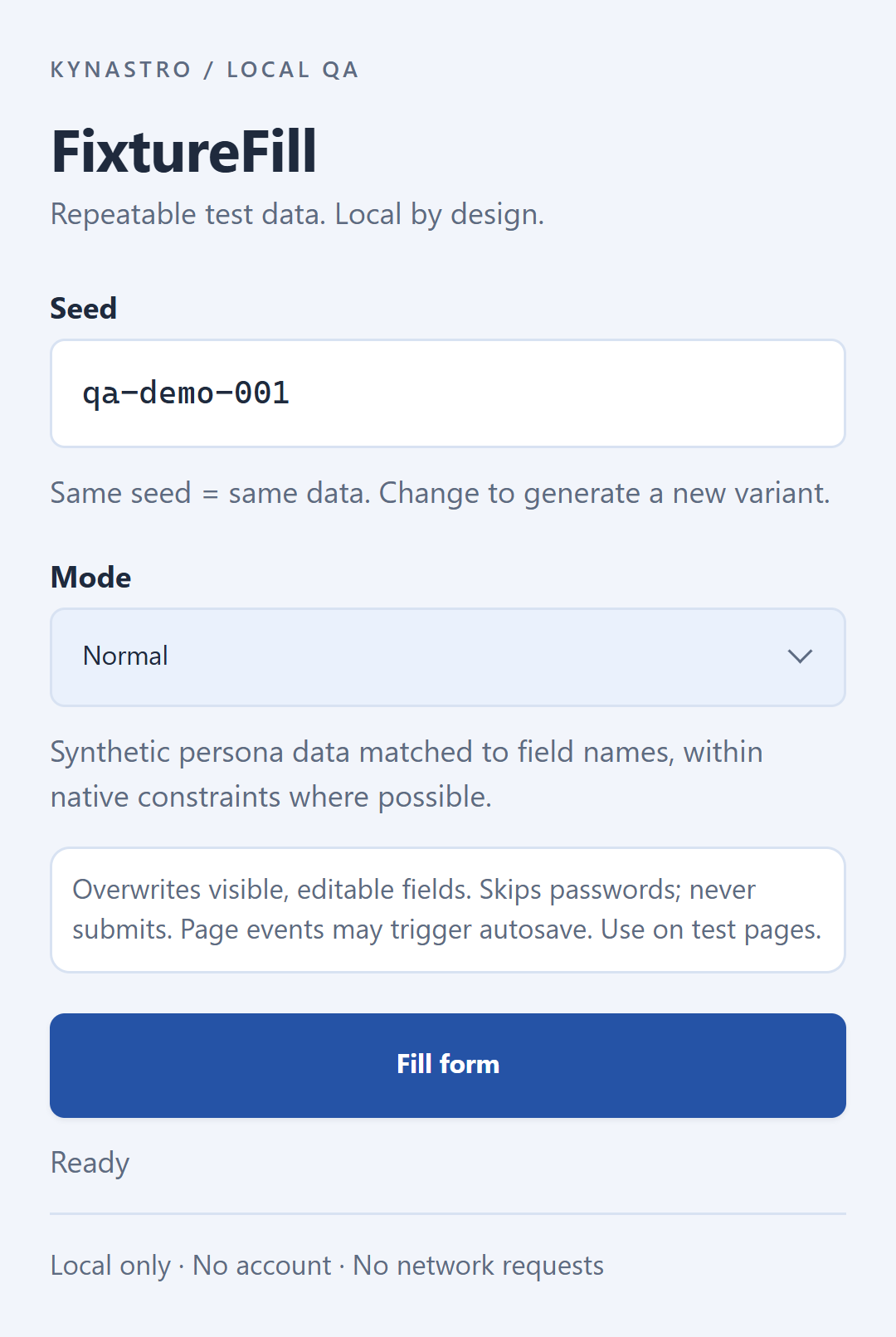
Normal
For everyday form testing.
Edge
Explore boundary cases.
Invalid
Test validation with invalid data.
Invalid mode skips radio groups. Custom components, Shadow DOM and iframes have limitations.
See the workflow.
Set a seed, fill a form, save a baseline and compare a repeat run.
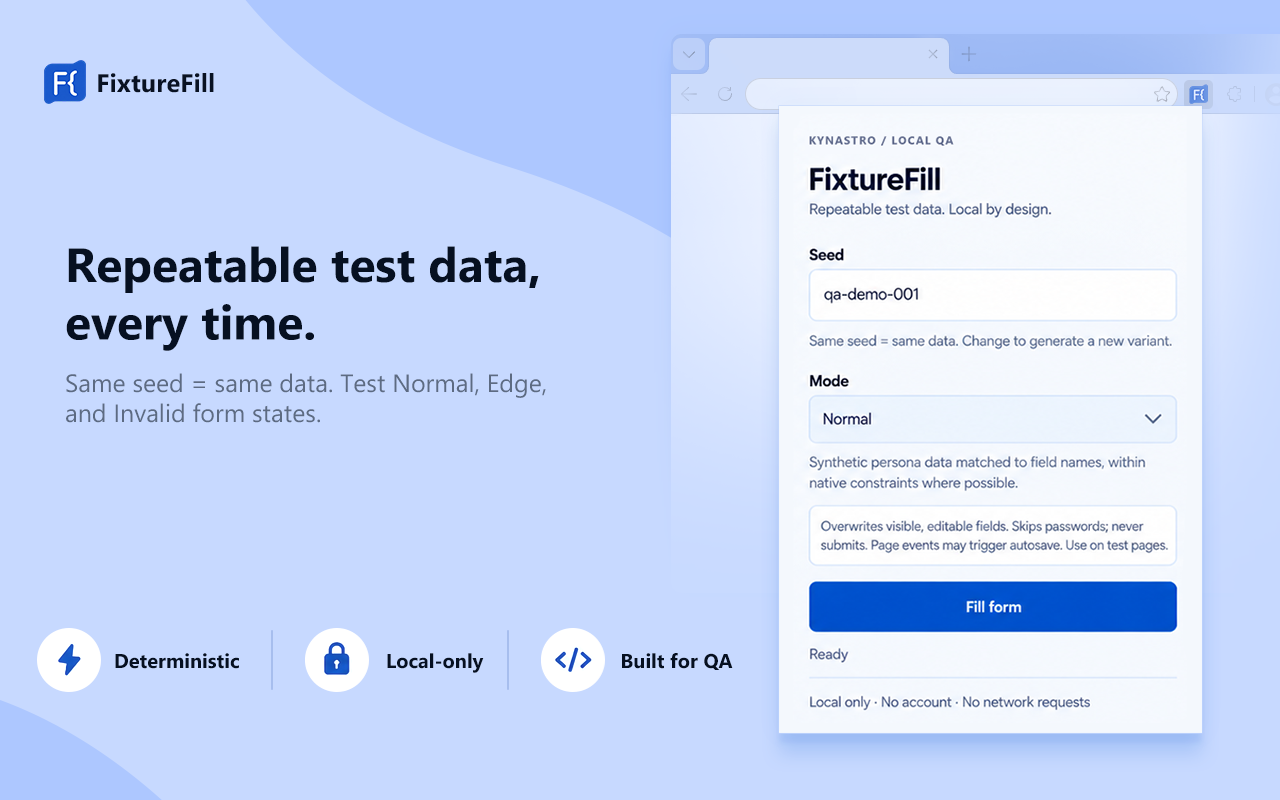
Local by design.
FixtureFill runs in your browser when you invoke it. It has no account, telemetry, backend or external AI API. Only your seed and mode are saved in the extension’s local storage.
It skips password fields and never submits forms. A website may still respond to field changes with its own autosave or network requests.
FixtureFill Privacy PolicyHelp with FixtureFill.
How do I repeat the same test?
Keep the seed, mode, page, form structure and generator version unchanged. Fill the Playground, save a baseline, clear the form, fill again and compare.
Why was a field skipped?
Password, hidden, disabled and read-only fields are skipped. Custom controls, Shadow DOM and iframes have limitations. Invalid mode skips every radio group and preserves its current state.
Where can I report a problem?
Email kynastro@gmail.com. Include your browser and extension versions, test mode and a description using synthetic data.